
Create professional PDF invoices online.
Invoiceo is an online invoice generator for creating PDF invoices. Use the guest creator without signing up, or create an account to manage saved invoices and customers.
Guest PDFs are free. Accounts include one calendar month free, then ₹100 per month, billed in INR. USD checkout is not available yet.
Loading invoice creator…
Create, review, and download invoices
Reuse business details
Reuse saved company and customer details when creating invoices with an account.
Branded PDF invoices
Add your business details and logo to the invoice PDF.
Download a PDF
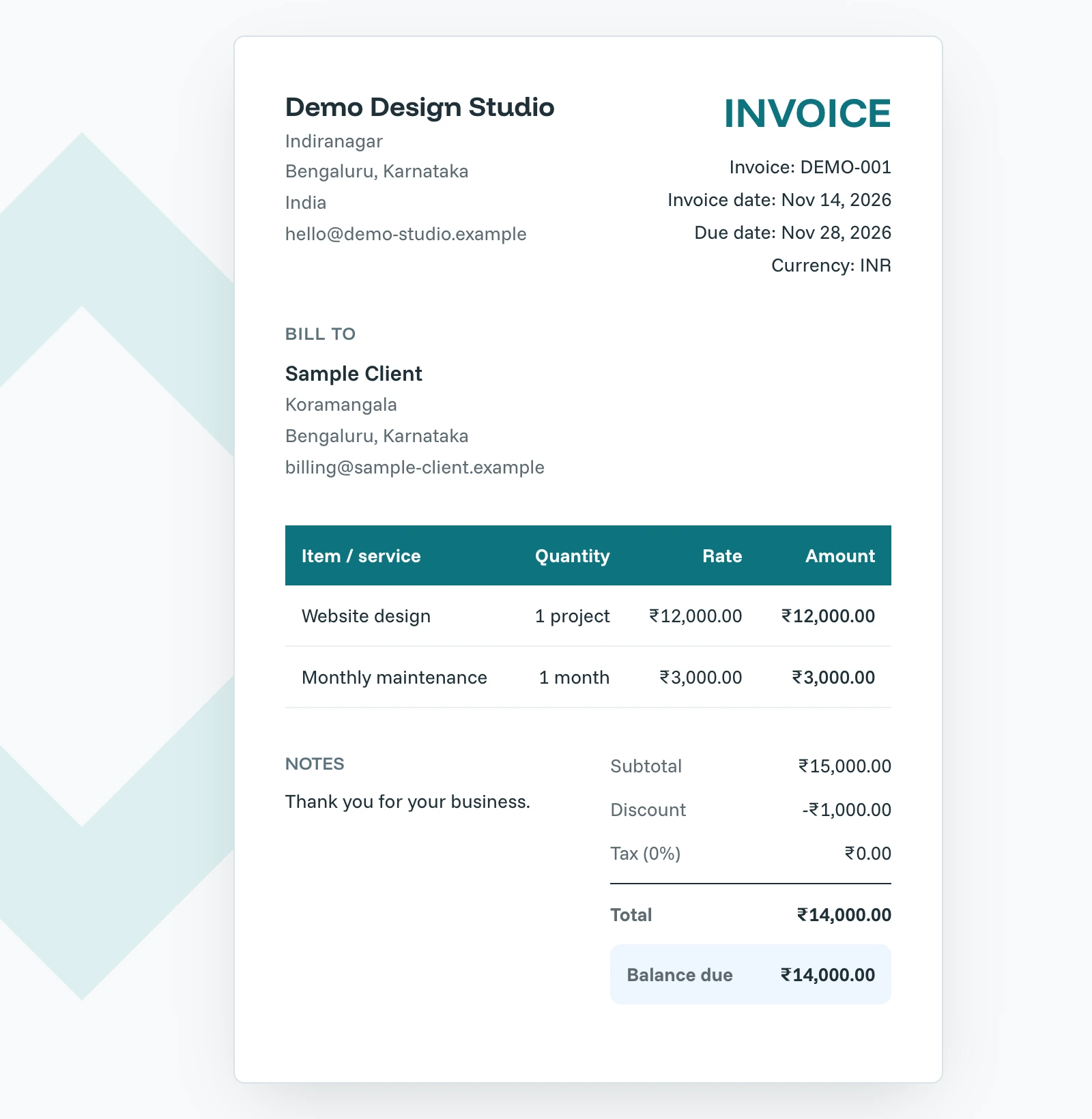
Download your invoice as a PDF, ready to review, share, or print.
How do I create a PDF invoice?
- Enter your business and customer details in the invoice editor on this page.
- Choose your currency and dates, then add line items, discounts, shipping, and the applicable tax rate.
- Review the invoice details and calculated totals.
- Download the PDF, check the document, and share it with your customer.
Questions about Invoiceo
Can I create an invoice without signing up?
Yes. The guest invoice creator on this page lets you enter invoice details and download a PDF without an account. Create an account when you want to manage saved invoices and customer details.
How much does Invoiceo cost?
Guest PDF downloads are free without an account. Accounts include one calendar month free, then ₹100 per month, billed in INR. USD checkout is not available yet.
Does downloading a PDF send it to my customer?
No. Downloading saves a PDF to your device. Review the document and send it to your customer yourself. Invoiceo does not collect payment through the PDF download.
Where is my guest invoice draft saved?
The guest creator saves a draft in this browser’s local storage when storage is available. It is not a cross-device backup. Use Clear Draft in the creator to remove it, and download a PDF copy before clearing browser data.
How are invoice totals calculated?
Each line amount is its quantity multiplied by its rate. The subtotal adds those amounts. Discounts are applied before tax, shipping is added after tax, and recorded payments reduce the balance due. Review the calculated totals before issuing your invoice.
Does Invoiceo decide which tax rate I should use?
No. You provide the tax rate. Check the requirements that apply to your business and customer before issuing an invoice. The invoice generator does not provide tax or legal advice.
Create your next invoice
Create an invoice for your next project, or keep your billing organized with an account.
No credit card required.